Who We Are
Farmworker Justice works with national, regional, and community partners to stabilize our nation’s farm workforce by improving economic opportunities, healthcare access, and working conditions for farmworkers.
Farmworker Justice (Justicia Campesina) is a Washington, D.C.-based 501c3 nonprofit organization founded in 1981 to stabilize the farm workforce by seeking an end to discrimination against farmworkers in labor laws; by promoting higher wages and better working conditions for farmworkers; by supporting smart immigration policy that reflects the hard work and contributions of farmworkers; and to make sure farmworkers have access to healthcare and safety information.

Who We Serve
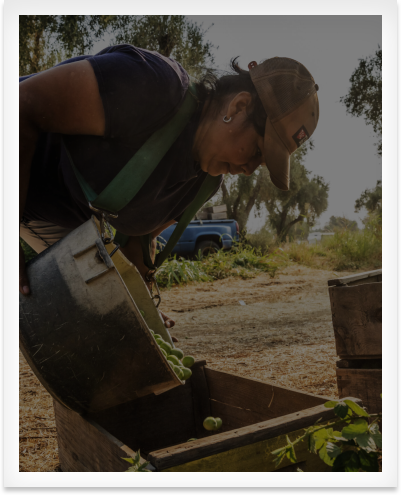
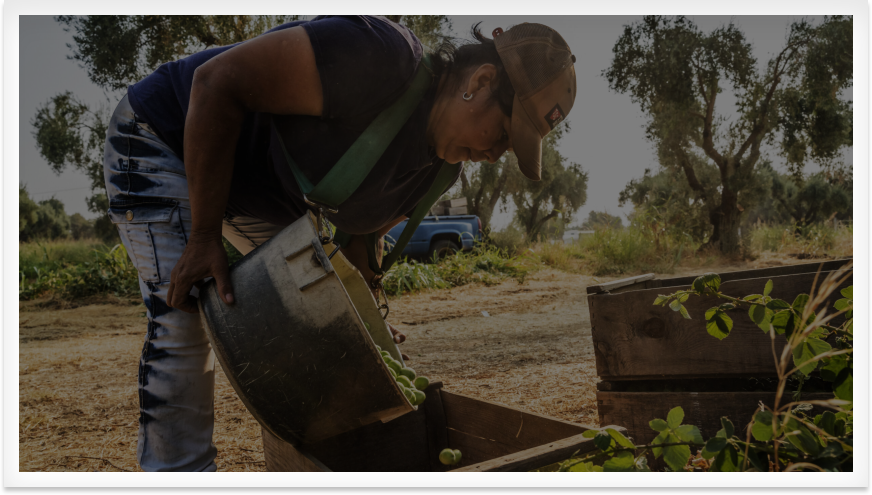
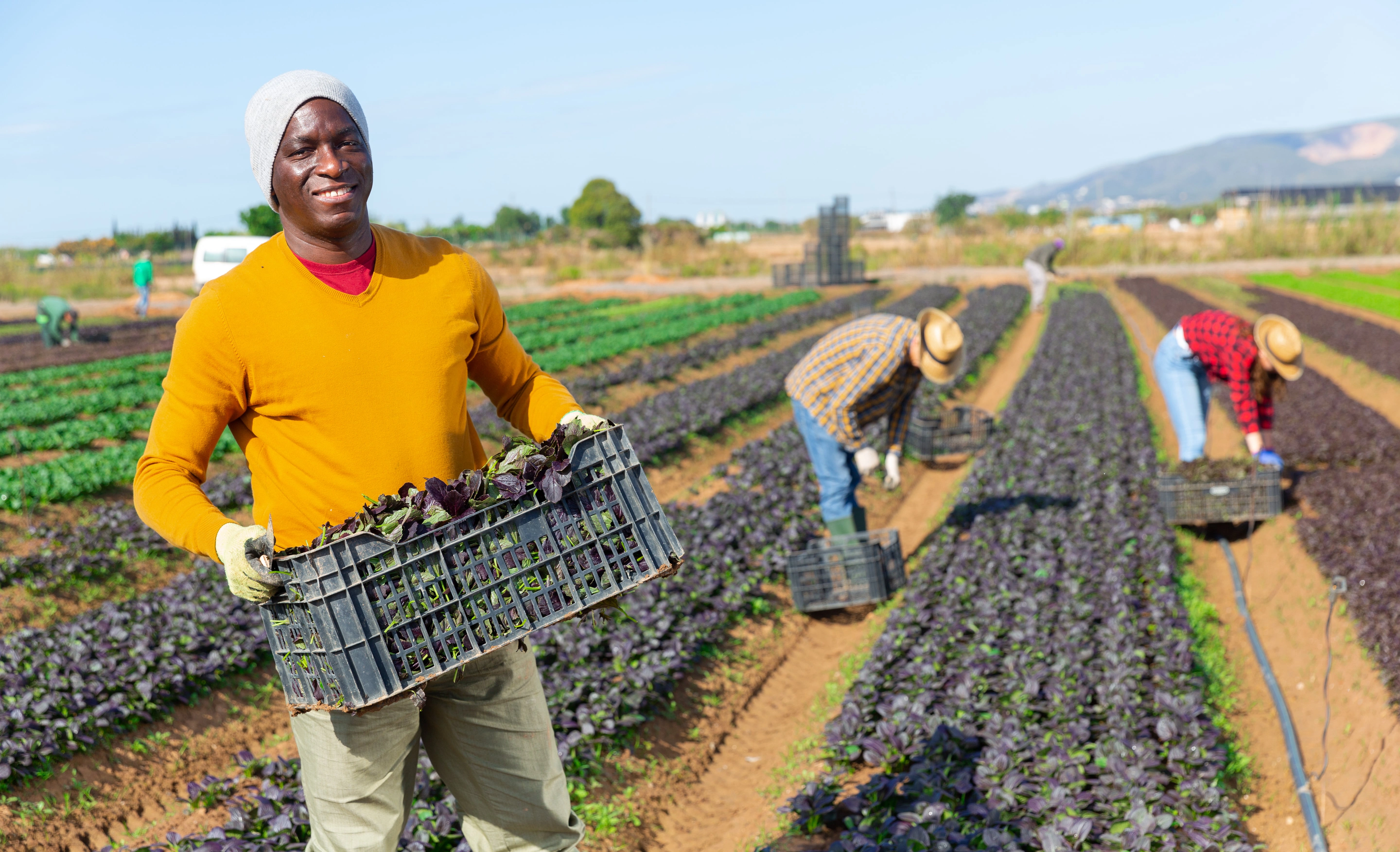
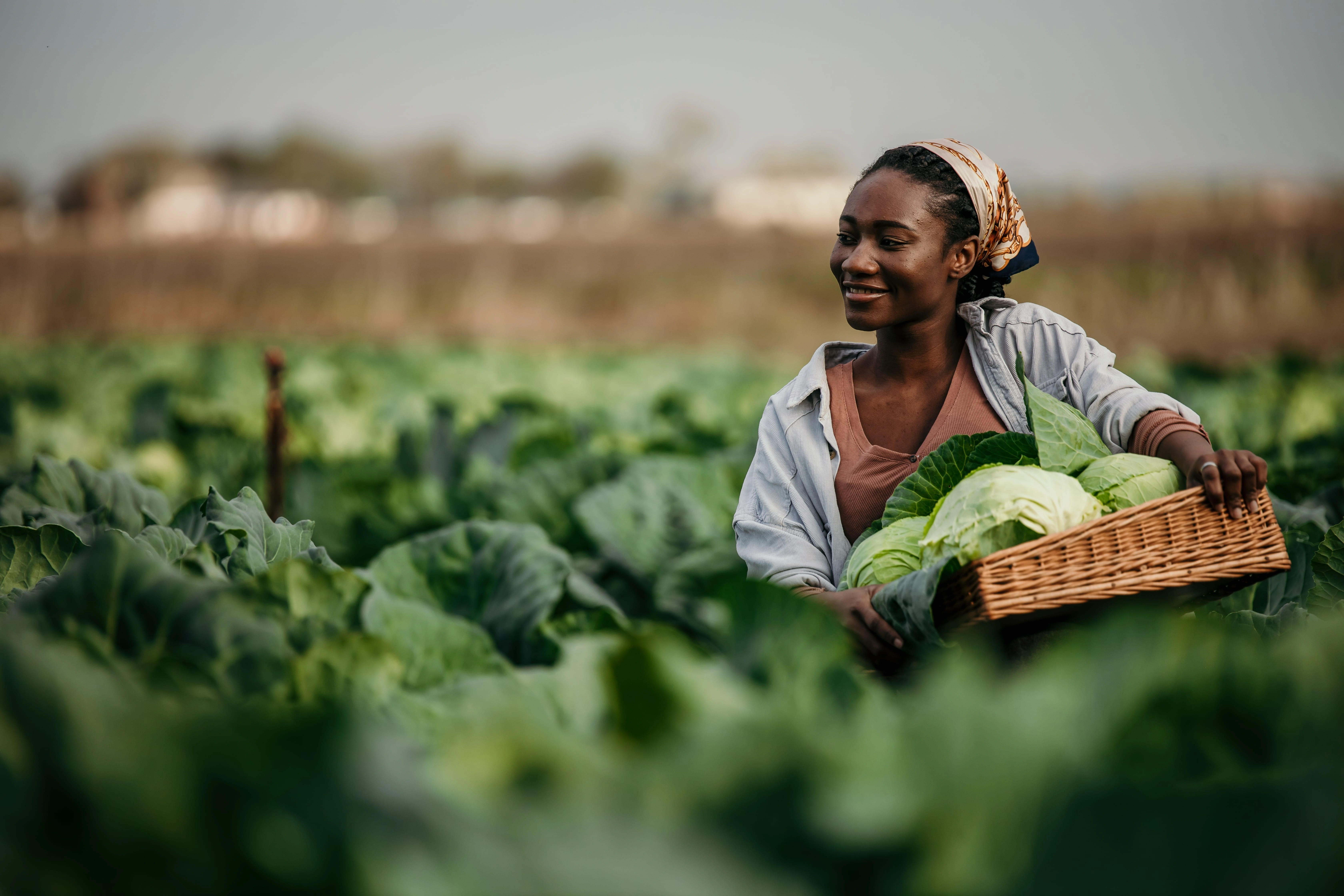
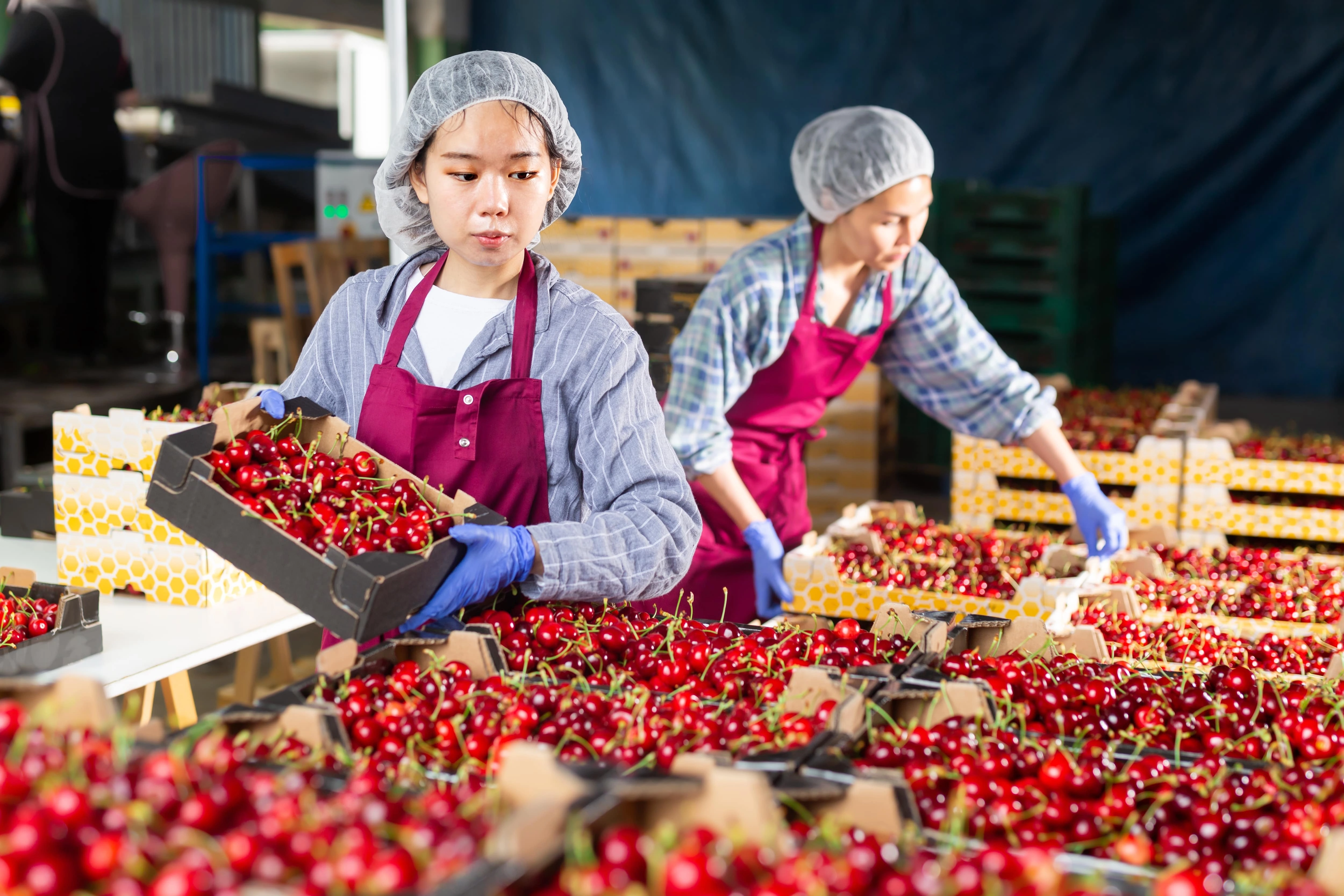
An estimated 2.4 million farmworkers do the back-breaking work of cultivating and harvesting our nation’s food supply. Because their jobs and work environments are not subject to the same labor protections and health and safety standards that protect other occupations, farmworkers face grave health risks and economic barriers.

What We Do
Farmworker Justice’s policy, programmatic and litigation work aim to stabilize our nation’s farm workforce, and, in turn, our nation’s food system, by advocating for safe work conditions, access to health care, and fair labor practices for farmworkers and their families.


THE LATEST

Loading...



FARMWORKERS’ RIGHTS UNDER STATE EMPLOYMENT LAWS: AN INTERACTIVE MAP
Click a state to view its details page.
Agricultural workers are covered by the state minimum wage law
Agricultural workers are covered by the state minimum wage law, but have a lower wage than other workers
Some agricultural workers are covered by the state minimum wage law, but with limitations or exceptions
Agricultural workers are not covered by the state minimum wage law
State doesn't have a state minimum wage law
The Federal Fair Labor Standards Act (FLSA) establishes that agricultural workers are covered by the federal minimum wage (with some limited exceptions). Therefore, in states where there is no minimum wage law or where farmworkers are not covered by the state minimum wage, federal law still applies and farmworkers generally should be paid at least the federal minimum wage, which is currently $7.25 per hour.


Farmworkers do not enjoy the same rights and protections as other workers. Farmworker Justice works at the federal, state and local level with advocates, lawmakers and government agencies to shape laws and policies that address the complex needs of farmworkers when it comes to fair labor practices, occupational safety and health, immigration status, healthcare access and climate change.

Litigation
Since its inception in 1981, Farmworker Justice has filed lawsuits on behalf of farmworkers – often in collaboration with other advocates and attorneys to maximize impact – to address systemic labor abuses committed by agricultural employers and seek to establish a precedent that will protect or benefit farmworkers and their families.
Loading...
Loading...
Loading...
We can improve the lives and working conditions of farmworkers.


Subscribe to our Newsletter
Sign up to get the latest news and updates about our work and stay connected to our mission.